Books, spoken.

Speak the expense. AI extracts the date, amount, vendor, category, then files it accountant-ready. Six templates. One rule: we never touch your money.

01

Voice-First Financial Capture

Speak the expense, mileage trip, or receipt. AI extracts dates, amounts, vendors, and tax categories at 99%+ accuracy. No spreadsheet, no shoebox, no end-of-quarter scramble.
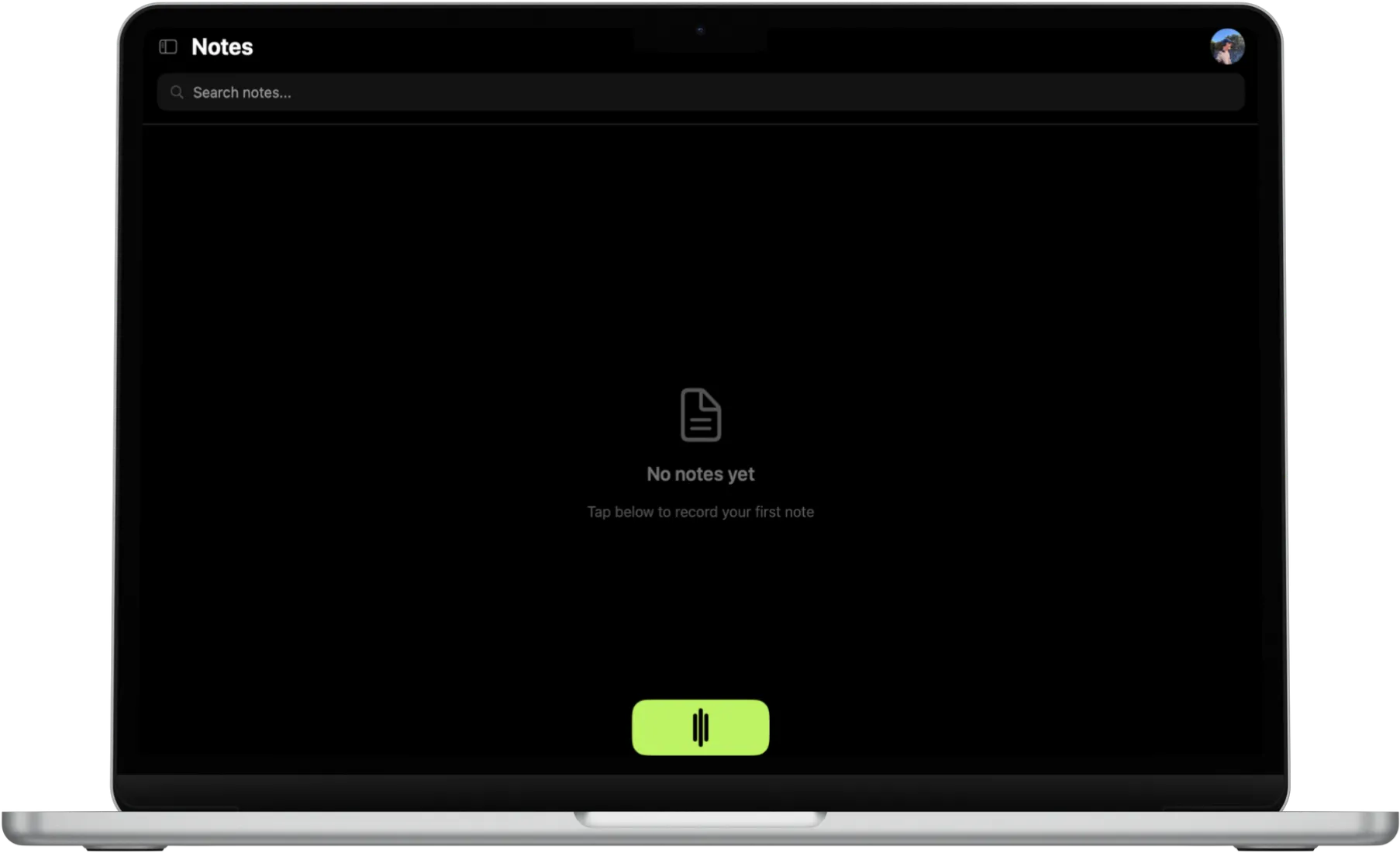
SpeaktoFinance expense capture on desktop
02

Six Templates for Your Books

Expense Entry, Receipt Note, Tax Memo, Mileage Log, Invoice Note, Quarterly Summary. Each template is tuned for what your accountant actually wants to see at year-end.
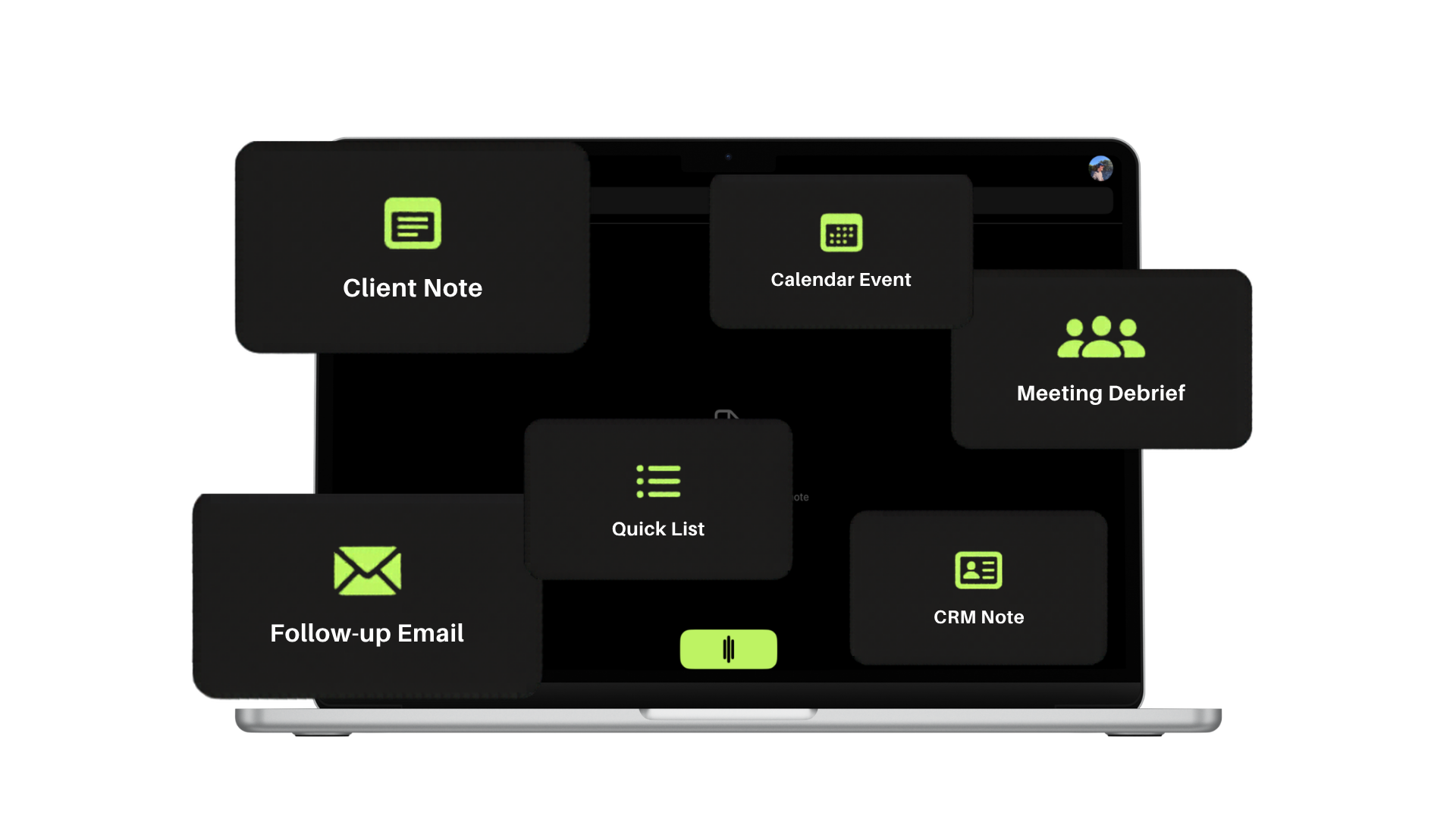
Finance templates selection
03

Export to Xero, QuickBooks, or PDF

One click sends your records to Xero or QuickBooks in the right account. PDF and CSV export means any accountant can ingest your books, no matter what software they run.
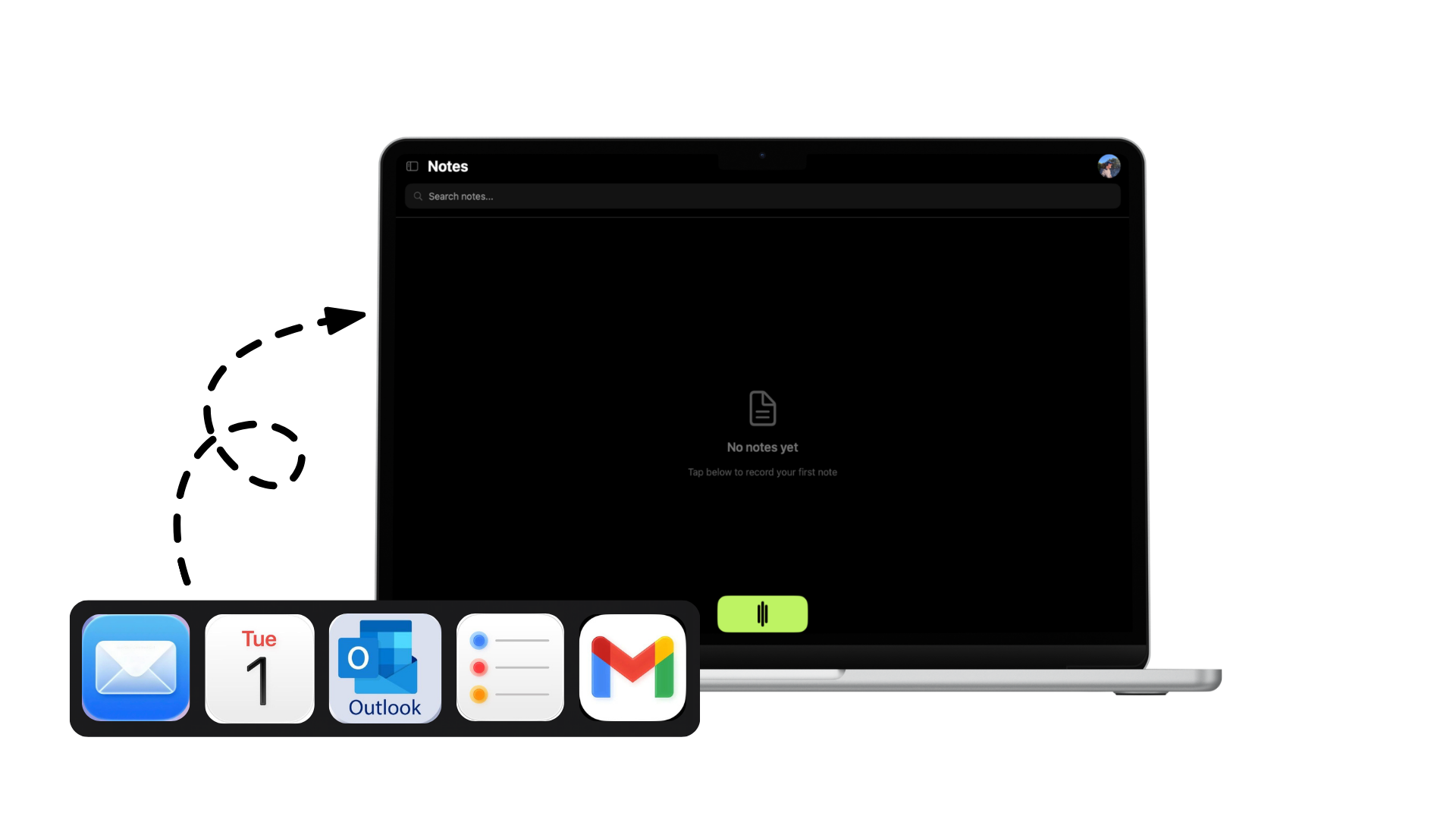
Export to Xero and QuickBooks
04

We Never Touch Your Money

SpeaktoFinance is records-only. It never connects to your bank, never moves funds, never authorises transactions. We handle the paperwork that surrounds your finances. Your money stays where you put it.
Records-only architecture

Feature FAQs

Everything about running your books with SpeaktoFinance.

Does SpeaktoFinance ever connect to my bank or move money?
No. SpeaktoFinance is a records-only tool. It never connects to your bank, never moves money, never authorises transactions. We only handle paperwork: structured records, memos, and reports your accountant can use.
How accurate is the data extraction?
AI extracts numbers, dates, vendors, and categories at 99%+ accuracy on clean voice input. You can always review and edit before exporting. For tax-critical data, every entry is yours to confirm before it leaves the app.
Can I export to Xero or QuickBooks?
Yes. One-click export to Xero and QuickBooks ships on the Professional plan. Records flow into the right ledger account. PDF and CSV export are included on every plan, so any accountant can ingest your books.
Can I capture receipts with my phone camera?
Yes. iOS and Android let you snap a receipt photo. AI extracts the merchant, total, and category, then files the photo with the record. Voice notes can be added per receipt for context.
Does everything sync between desktop and mobile?
Yes. Every record, receipt photo, and template syncs across Mac, Windows, iOS, and Android with one SpeaktoFinance account. Log an expense from the car on your phone, review the books at your desk.

SpeaktoFinance

Voice to tax-ready records

Download Free